EDS 214: Analytical Workflows and Scientific Reproducibility
Day 3 Morning | August 27th, 2025
This morning, you’ll learn how to…
Use branches for collaborative work
Merge branches and resolve conflicts
Interpret git commit histories
Recap
You’ve been using git for version control for three weeks. During that time you learned how to:
Create a repository
Commit files to a local repository
Push files to a remote repository
These are essential commands for using git solo. But what if you want to work with others?
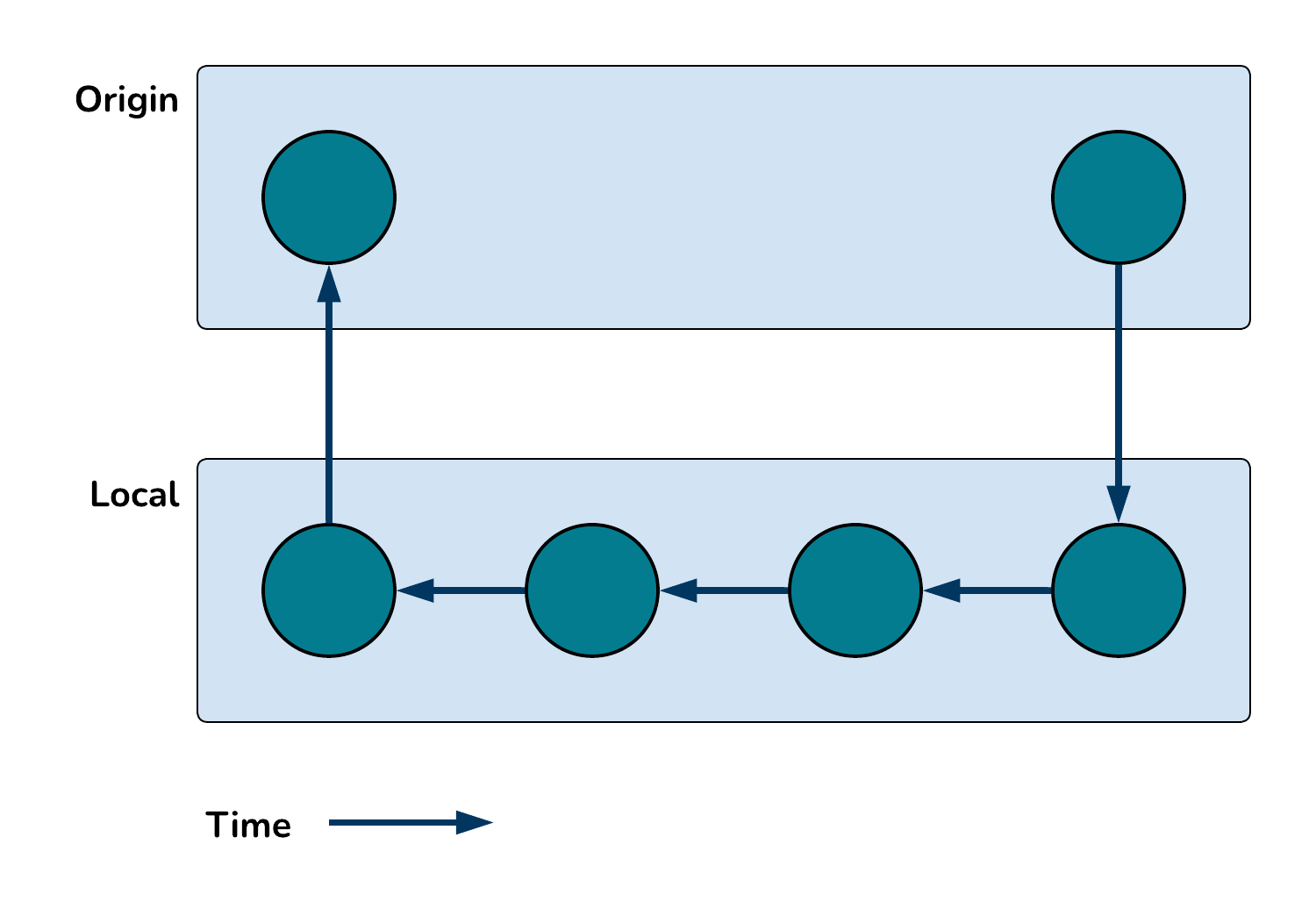
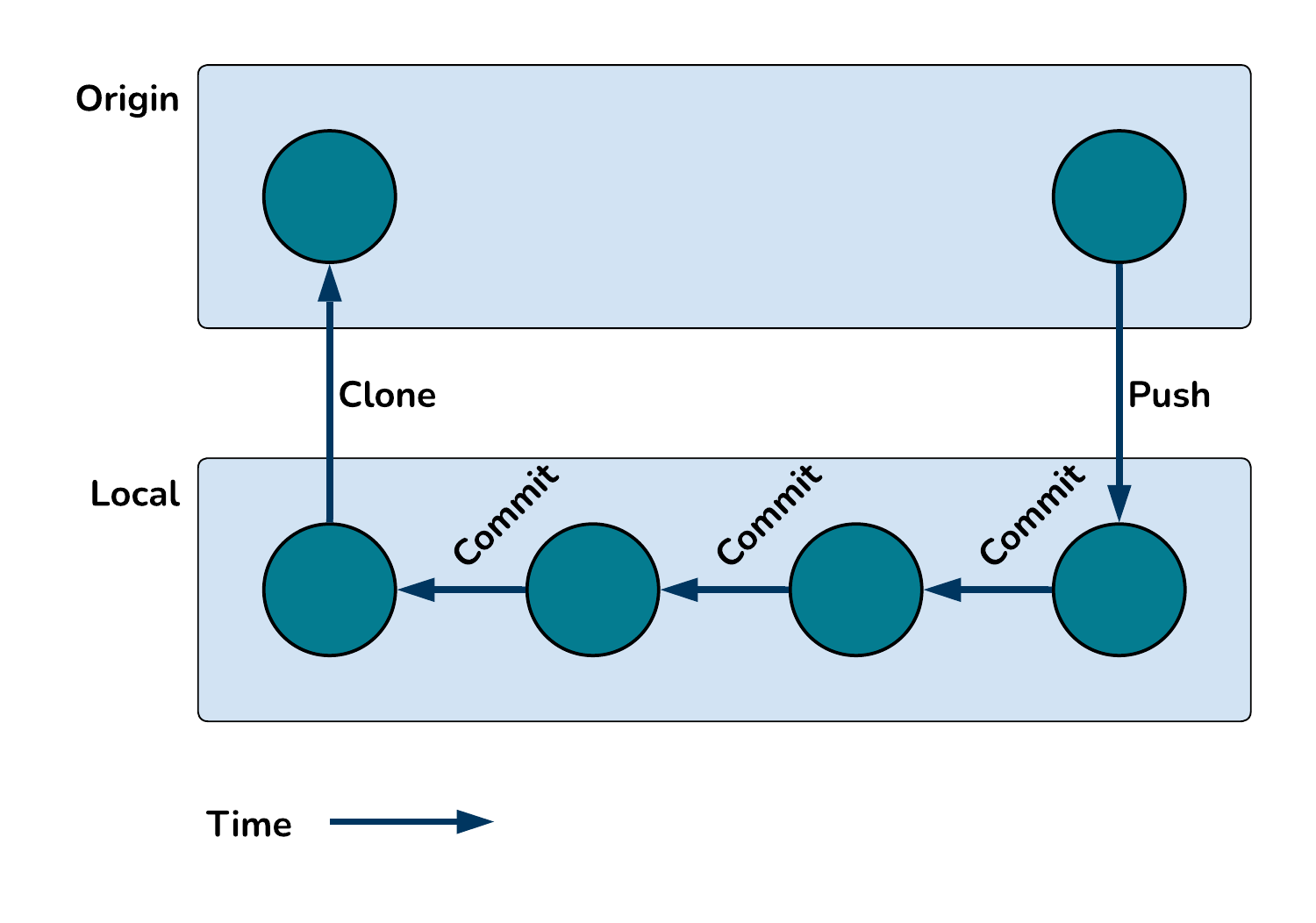
Clone, commit, push
These are the three essential commands for using git and GitHub solo.
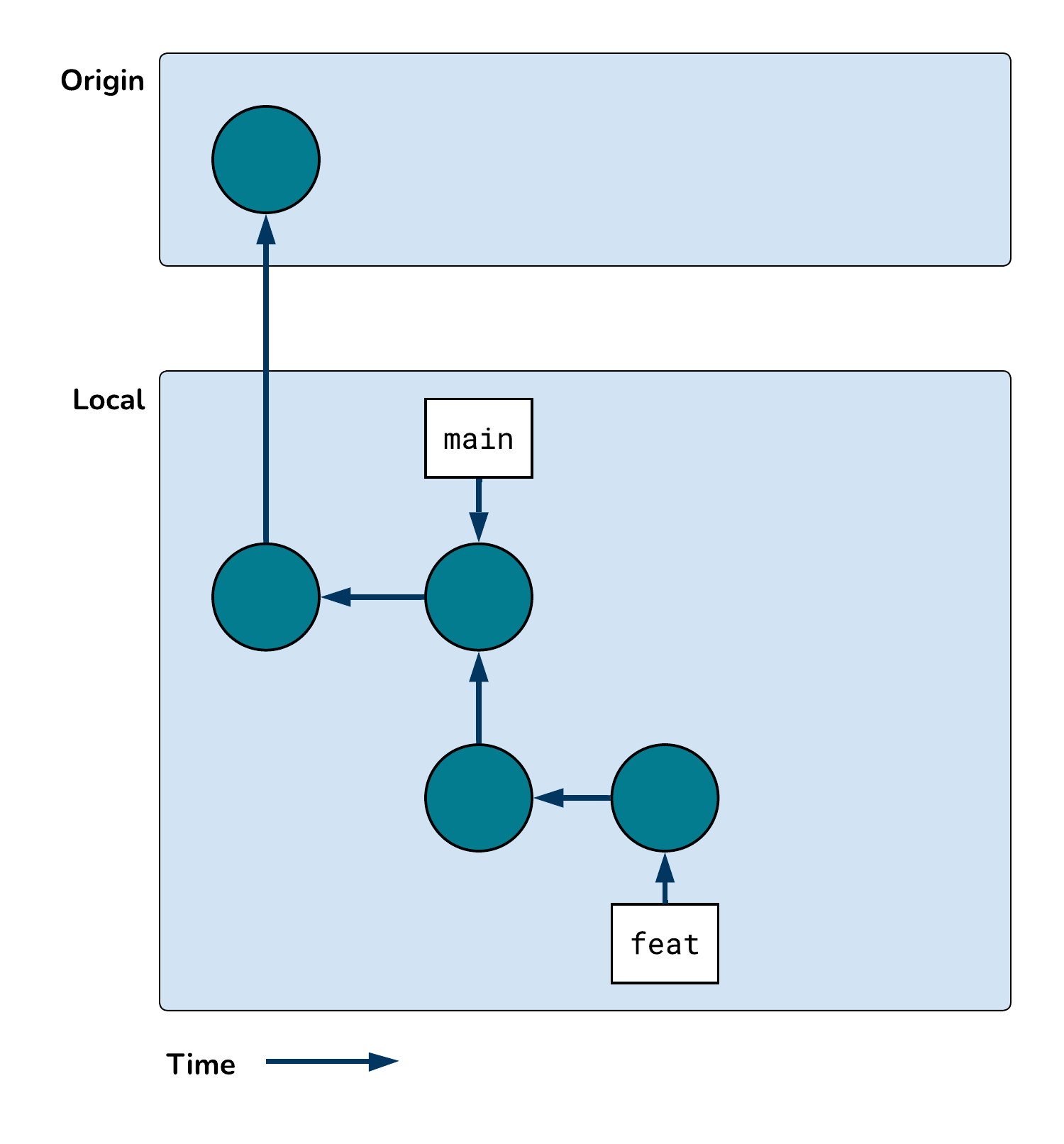
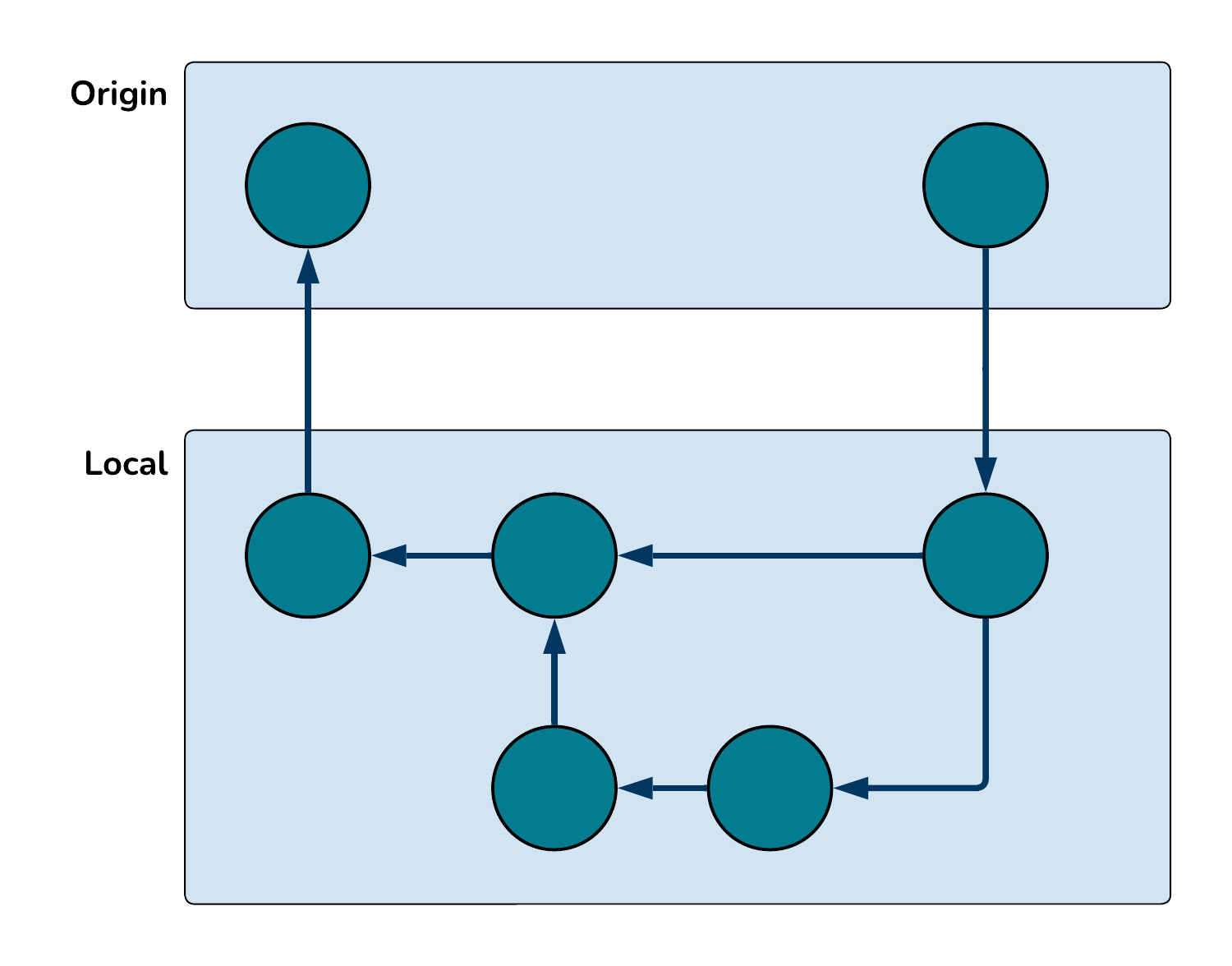
Let’s review these commands by visualizing a commit history.
Clone, commit, push
These are the three essential commands for using git and GitHub solo.
Let’s review these commands by visualizing a commit history.
Clone, commit, push
Question Why do the arrows in the commit history diagram point backwards in time?
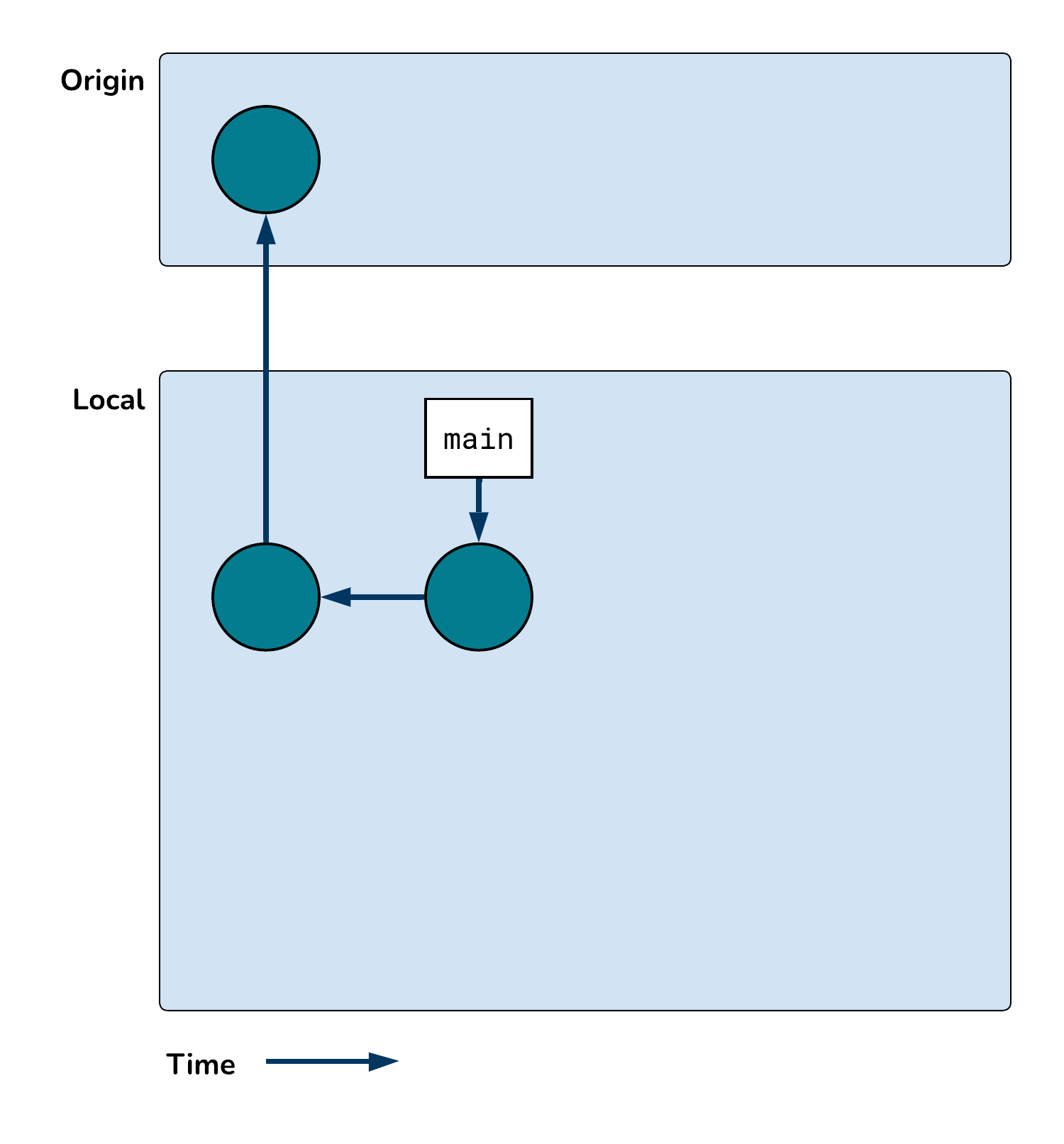
Branches, merges
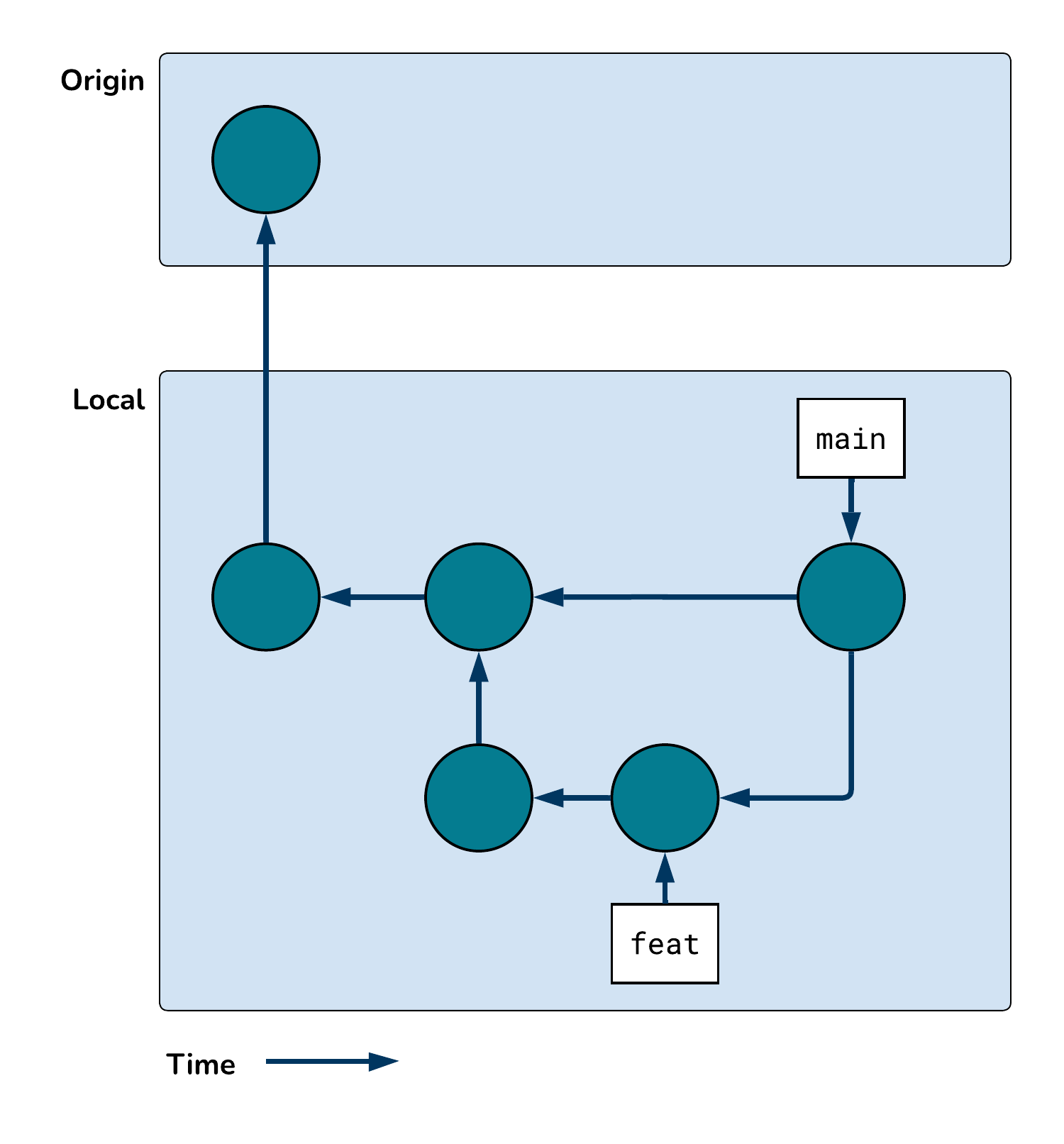
As our work becomes more complex, creating branches becomes essential.
Branches, merges
As our work becomes more complex, creating branches becomes essential.
Branches, merges
As our work becomes more complex, creating branches becomes essential.
Branches, merges
As our work becomes more complex, creating branches becomes essential.
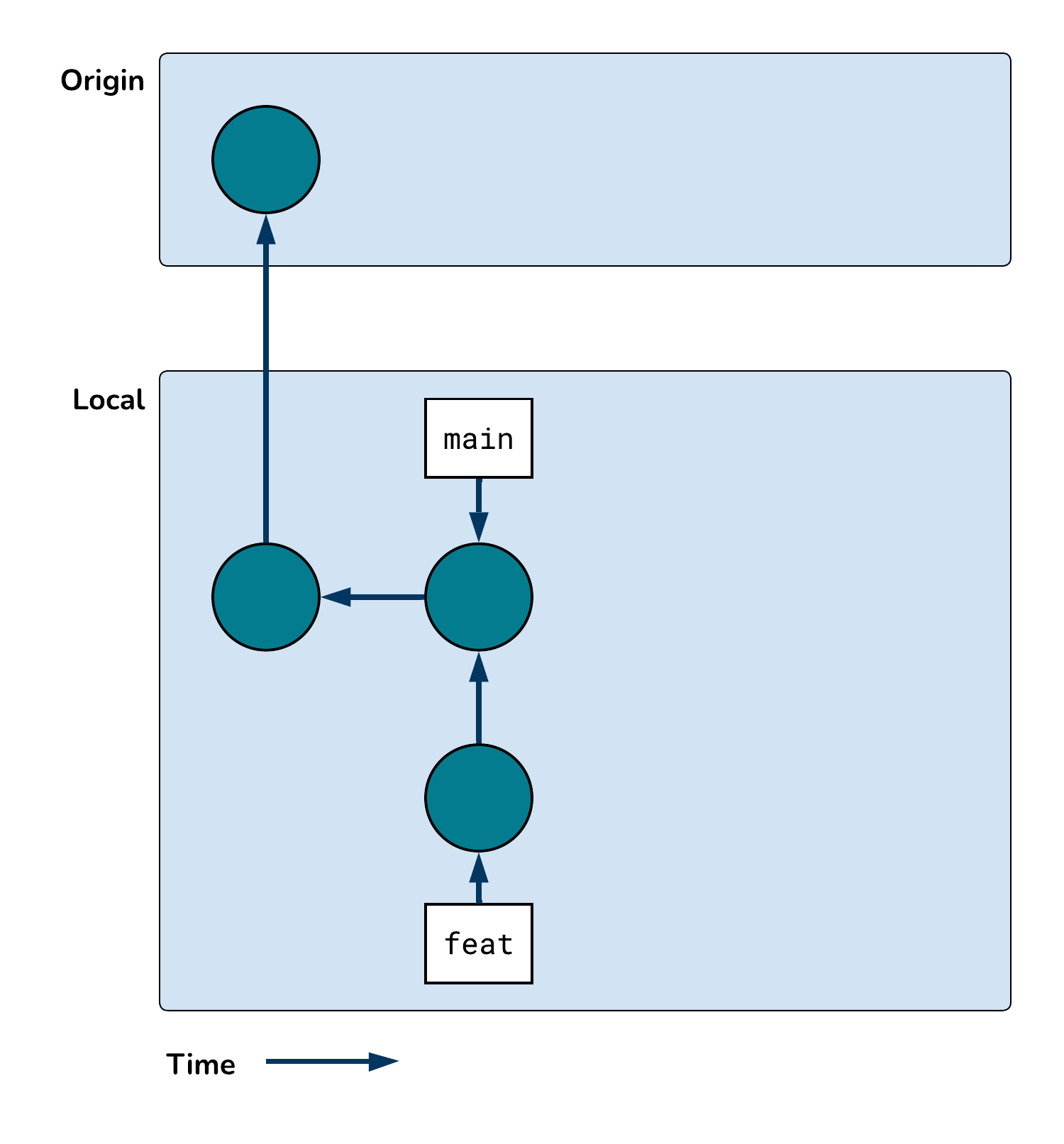
Branches, merges
As our work becomes more complex, creating branches becomes essential.
Why branch?
Branching and merging have a learning curve and require additional overhead.
Begging the question…
Why do we create branches?
Conflicts
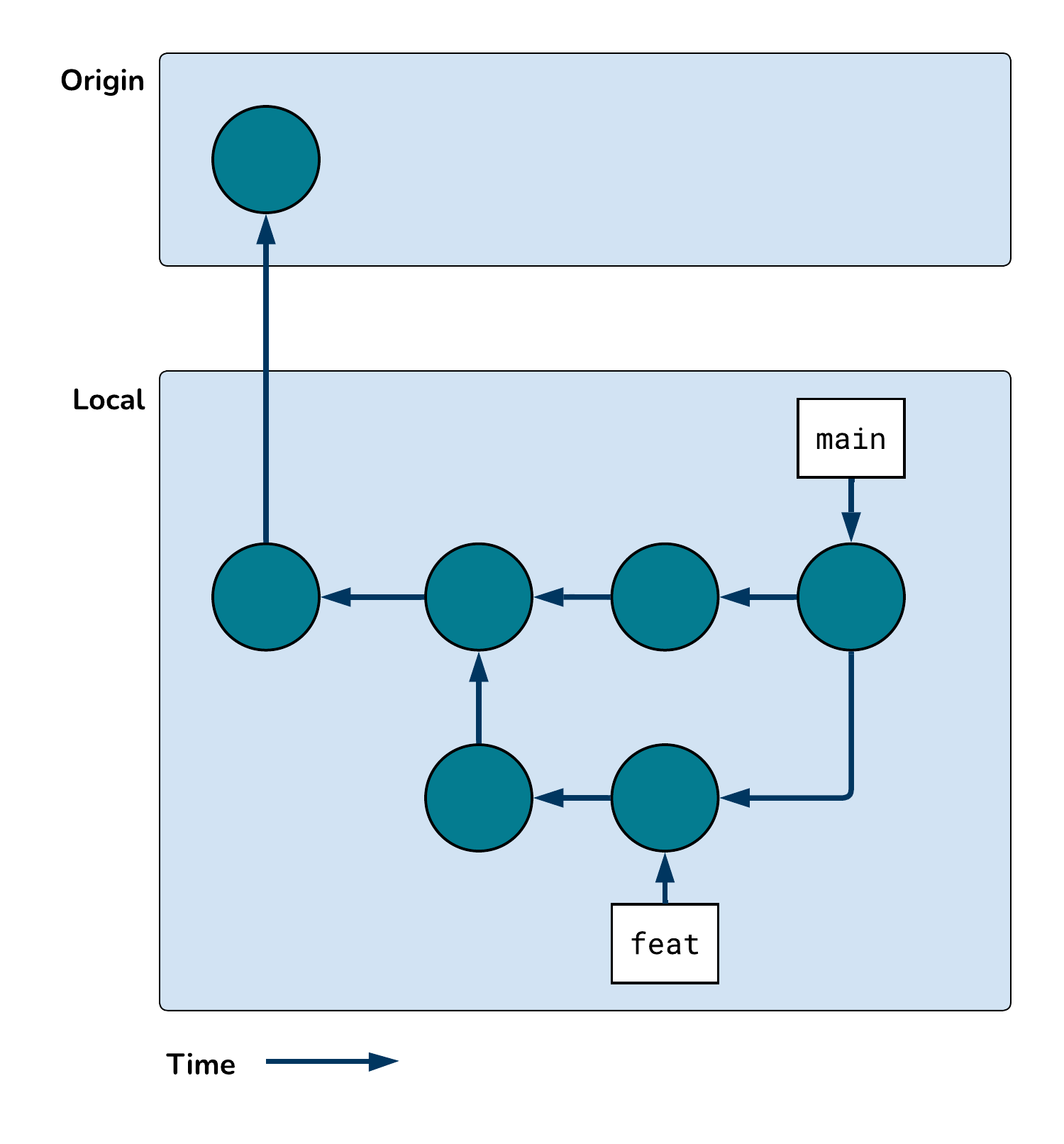
This commit history permits a merge conflict. Why?
Resolving conflicts pt 1
Merge conflicts are best resolved manually. Your judgement is essential!
They look like this:
<<<<<<< HEADtwo <-1+1# This is the current branch's code=======foo <-1+1# This is the incoming branch's code>>>>>>> d670460b5b4ae3ea915caf5c68d12f560a9fe3e4
Notice that two of those lines look like R code, the other three look weird.
Resolving conflicts pt 2
Resolve the conflict by removing the weird lines and choosing the appropriate R code.
Git views both of these solutions as valid. Which one would you choose? Why?
two <-1+1
foo <-1+1
Resolving conflicts pt 3
You’re almost done resolving the conflict.
After choosing which code to keep, you have to let git know you’re done.
git commit -m "Resolved merge conflict"
In RStudio, would you run this command at the Console or the Terminal? How do you know?
Branches and merges recap
Branches are essential for collaborative work.
Work on changes in parallel
Keep the main branch stable while experimenting
Merges reunite disparate branches, but they can create conflicts
Conflicts look scary, but you can resolve them!
Manually choose the code you want to keep using your judgement
Review pt 1
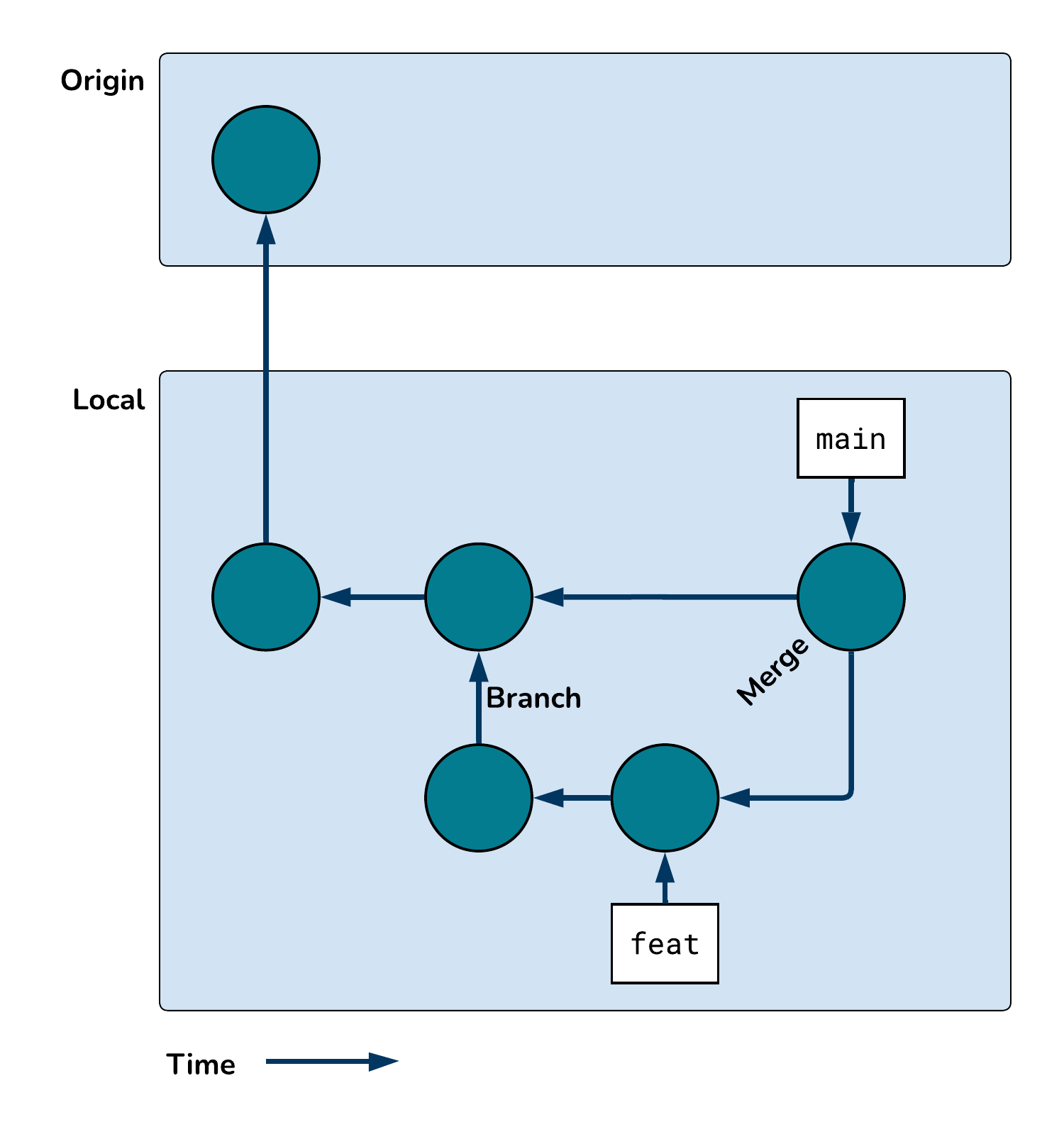
This commit history reflects many different git operations. Label the following operations in the diagram below.
clone, commit, push, pull, branch, merge
Review pt 2
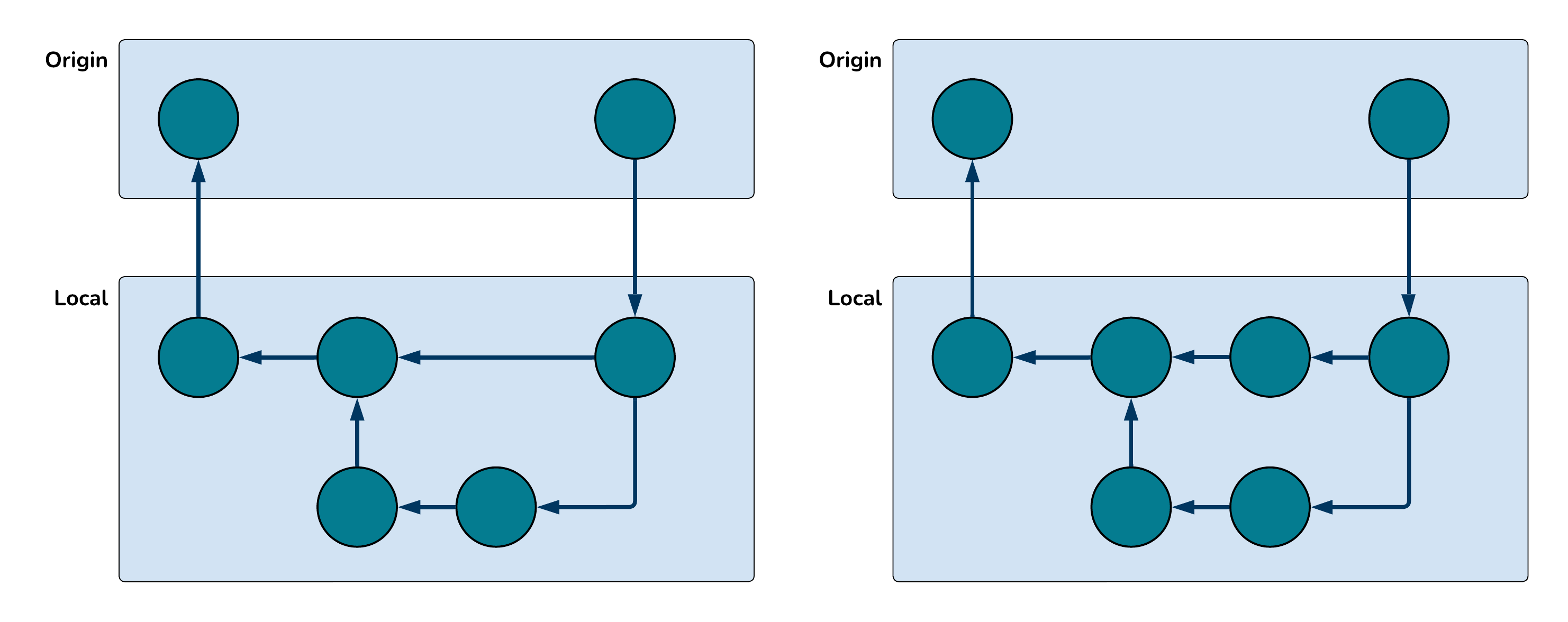
Which commit history below could yield a merge conflict? Why?
Live demo
Let’s switch over to RStudio and do a live demo with